The best pig management software is not necessarily the system with the longest feature list. It is the one that matches the way your pig farm actually operates.
That is the first question I would advise any farmer to ask:
Does this software follow the real journey of pigs through my farm, from breeding and farrowing to health, feeding, growth, batching and sale?
The second question is almost as important:
Does it connect those activities, or does it simply give me several separate places to enter data?
I learned the difference through experience on our own farm. We had paper records, but we did not have a system that connected them, prompted the next action or made important information easy to retrieve. Running the farm could feel like a process of hit and miss.
Those difficulties eventually helped shape LivestockIQ: a pig management system designed around the practical workflow of a farm, rather than record-keeping in isolation.
Start With the Problems You Need the Software to Solve
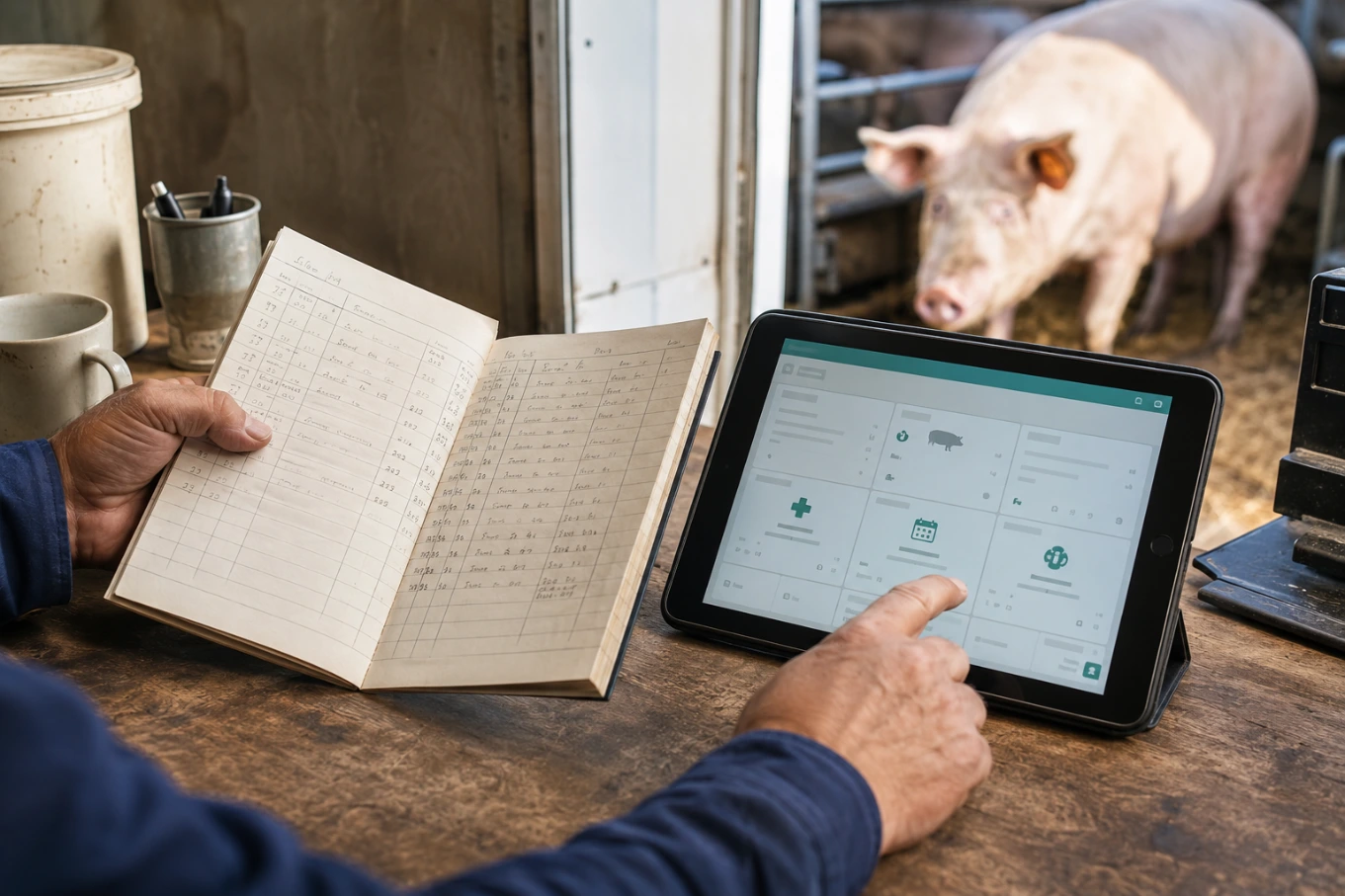
Before comparing apps, write down what is currently going wrong or taking too much time on your farm.
Are service dates being missed? Can you quickly confirm an animal’s parentage before breeding? Do health records follow the animal? Can you compare feed use with weight gain? When a batch is sold, do you know what it cost to produce, or only what you received for it?
These questions are more useful than beginning with a software company’s list of features.
On our farm, disconnected records contributed to several real problems:
Parentage was not always readily available, creating a risk of breeding animals from the same parent line.
Missing service dates meant breeding follow-ups could be missed.
When a service date was not recorded, preparations such as moving a sow to the farrowing pen could not be planned confidently.
Incomplete sow histories made it difficult to identify consistently poor performers.
Feed purchases and changing prices were not recorded in enough detail to establish the true unit cost of feed.
Inadequate weight records made dependable feed conversion ratio calculations difficult.
Incomplete animal and batch costs made it hard to know whether a batch had actually made a profit when sold.
These were not merely administrative inconveniences. They affected breeding decisions, animal preparation, performance analysis and profitability.
A sale is not the same thing as a profit. A record that tells you what happened, but cannot help you understand what it cost or what should happen next, has limited value.
The Two Tests That Matter Most
Does It Match the Way a Pig Farm Actually Operates?
Pig production is a connected cycle. A service leads to pregnancy checks, farrowing preparation, a litter, weaning and the sow’s next breeding cycle. Piglets move through health events, growth stages, batches and eventual sale.
The software should follow those relationships.
For example, recording a service date should support the next stages of the breeding workflow. You should be able to see the expected pregnancy-check period, anticipated farrowing date and upcoming preparation without rebuilding the sequence elsewhere.
If related events have to be entered independently in several disconnected areas, the farmer is still doing much of the organising that the software should support.
Does It Connect Farm Records From Breeding to Sale?
Breeding, health, feed, weights, batches, costs and sales should not exist as separate islands.
The value of an all-in-one pig management system is not simply having more data in one login. It is being able to see the relationships within that data:
Breeding and litter records help reveal sow performance.
Parentage records support safer breeding decisions.
Health events can be reviewed alongside growth performance.
Feed and weight records provide the basis for FCR analysis.
Batch costs and sales income help show whether the batch was profitable.
This connected journey is the principle behind LivestockIQ’s pig-farm management features, which cover individual animals, breeding, litters, health, weights, batches and sales.
The Pig Management Software Features That Actually Matter
Not every farm needs the same level of complexity, but the following records form a strong foundation.
Animal Identity, History and Parentage
Each pig should have a clear record containing its identity, sex, breed, date of birth, status and parentage. You should be able to retrieve its history before making a breeding, health or sale decision.
Parentage is not background information. It helps reduce the risk of accidentally breeding closely related animals and preserves a traceable breeding history.
Breeding, Farrowing and Litter Records
The software should connect heat observations, services, pregnancy checks, expected farrowing, actual farrowing, litter results, weaning and return to service.
Useful litter records include born alive, stillbirths, deaths, transfers and number weaned. Viewed over several parities, this gives a much fairer picture of sow performance than memory or the result of one litter.
Health and Treatment Records
A useful health record should show what happened, when it happened, the action taken and whether follow-up is required. Treatments, vaccinations and health events should be attached to the relevant animal or batch—not left in a separate notebook or verbal handover.
Weights, Growth and Feed
Weight records help show whether pigs are growing as expected and approaching the required sale weight. Feed records should include feed type, quantity, purchase price and the animals or batches receiving it.
The two become far more useful when connected. Reliable FCR depends on consistent feed and weight records for the same animals or batch over the same period. Software cannot rescue incomplete data, but it can make the correct records easier to collect and compare.
Batch Costs, Performance and Sales
Many farms manage growing pigs as groups, so software should support both individual animals and batches.
A useful batch record should bring together pigs in the group, weights, feed use, health events, mortality, relevant production costs, sale weights and sale income. That allows you to ask a more meaningful question than “What did the pigs sell for?”
You can begin to ask, “What did it cost to produce them, and what margin did the batch make?”
Where Dashboards and Alerts Fit
The underlying animal, breeding, health, feed, weight, cost and sales records are essential. A dashboard or alert cannot compensate for records that were never entered.
However, dashboards and alerts are what turn stored information into daily action.
A practical dashboard should answer one question quickly: what needs attention today?
It might highlight services or pregnancy checks due, sows approaching farrowing, litters ready for weaning, health follow-ups and overdue activities. This is especially useful when work is shared between several people or the farmer is balancing animal care, purchasing, sales and administration.
If you want to see what this looks like in practice, watch the LivestockIQ dashboard and breeding workflow demonstrations.
How Software Can Help a Small Pig Farm Improve Profitability
Software will not make an unprofitable farm profitable by itself. It can, however, make the causes of poor performance easier to see.
Small farms often have limited time and staff. Immediate animal care comes first, while record-keeping is postponed. By the time someone returns to the paperwork, details may be estimated, forgotten or never recorded.
Costs may also be known only at whole-farm level, with no reliable way to see which batch used the feed, medicine and time. That makes it difficult to identify where margin is being lost.
Connected records can help bring questions to the surface:
Is a sow repeatedly weaning fewer piglets than the rest of the herd?
Is one batch consuming more feed or taking longer to reach sale weight?
Are health problems or mortality concentrated in a particular group?
Did one feed produce a better result than another?
Did a sale create a worthwhile margin after production costs?
The software provides visibility. The farmer still applies judgement, investigates the cause and decides what to change.
How to Test Pig Management Software Before Paying
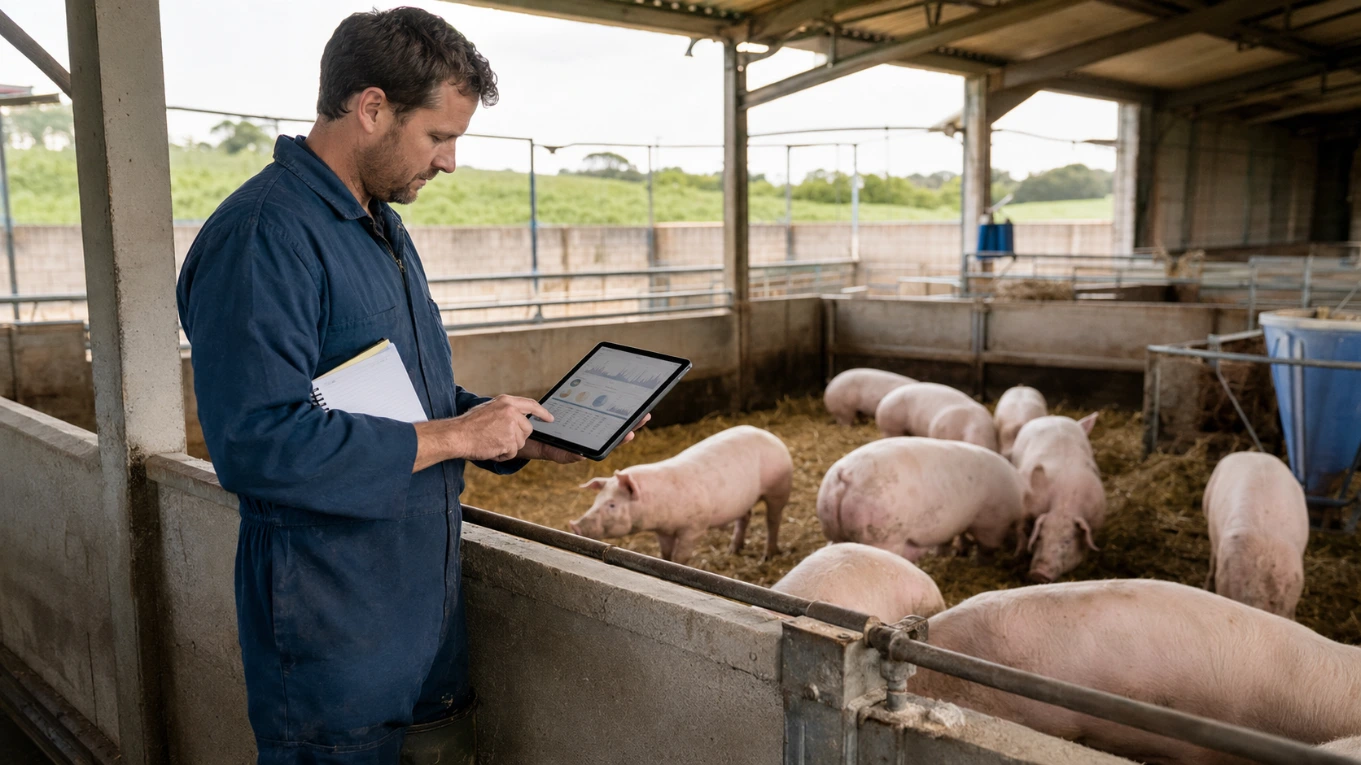
Do not use a free trial merely to browse the menus. Test one real farm journey.
Add a sow and her parentage. Record a service and pregnancy check. Follow the workflow through farrowing and litter creation. Then create a small growing batch, add weights, feed use and a health event, and record a sale.
As you test, ask:
Does the system use language that pig farmers understand?
Does it follow the way work happens on my farm?
Can records be entered quickly on the device we will actually use?
Are related records connected, or will we still combine them manually?
Can I retrieve useful information without searching through several screens?
Does it show what needs attention next?
Can it support both individual animals and batches?
Can it help me assess sow performance, growth, FCR and profitability?
Can I access or export my farm records?
Will it remain suitable if the farm, herd or team grows?
Is support available when we need help?
Involve the people who will enter the records. Software selected in an office still has to work in a pig building, farrowing area or outdoor production system.
Warning Signs to Look Out For
Be cautious if the software:
Has many features but no recognisable pig-farm workflow.
Requires the same information to be entered repeatedly.
Keeps breeding, health, feed, weights and sales in unrelated sections.
Shows impressive reports without explaining which records make them accurate.
Is difficult to use on a phone or tablet.
Cannot manage both individual pigs and batches where required.
Makes it difficult to retrieve or export your data.
Is so complicated that farm staff are unlikely to use it consistently.
The right balance is a system detailed enough to provide useful insight, but practical enough to become part of everyday farm work.
A Simple Decision Checklist
Before choosing a system, confirm that:
It solves the record-keeping problems currently affecting your farm.
Its workflow follows pigs from breeding or birth through to sale.
Breeding, health, feed, weights, batches, costs and sales are connected.
Staff can record events without disrupting farm work.
You can retrieve useful answers—not merely enter data.
Dashboards and reminders point to genuine actions.
The trial allows you to test a realistic farm scenario.
The price and plan limits suit your herd, farms and users.
Your records remain accessible and the system can grow with you.
Once the workflow passes those tests, compare LivestockIQ’s licence options and pricing plans against the size and needs of your operation.
See Whether LivestockIQ Fits Your Farm
LivestockIQ grew from our own experience of trying to manage a pig farm with paper and disconnected records. It is designed to connect breeding, farrowing, litters, health, weights, batches, sales and daily priorities in one practical system.
You do not need to decide from a feature list alone.
Watch LivestockIQ in action to see the dashboard and core farm workflows first.
If the approach looks suitable, start a free trial and test it with the real workflow of your farm. No payment card is required for the trial.
For farmers who would prefer a guided discussion, book a demonstration and bring the record-keeping problems you most want to solve.