Getting a farm team to use pig management software starts with one simple principle: the system needs to fit the way the farm already works. When records follow the real workflow, staff know what to enter, managers can see what needs attention, and the information becomes useful for decisions.
For Grower farms, that workflow often centres on batches. Pigs are usually managed as groups, so there may be no need to create a separate record for every animal. A clear batch process gives the team a practical place to start.
Start with the batches as they arrive
When a group of pigs arrives, create a batch using the number of animals. Add the details your team needs to recognise and manage it:
- Batch name and arrival date
- Starting count and production stage
- Sex, weight group, or another useful way to organise the pigs
- The correct pen or location
Choose names and groupings that match the language staff already use on the farm. One farm may group batches by stage; another may organise them by sex, weight, or arrival. The aim is to make each record easy to find and meaningful to the people using it.
Getting the pen or location right matters. It helps staff find the group, record movements clearly, and connect daily observations with the right animals. Set up LivestockIQ to reflect the live farm as closely as possible, while keeping the structure simple enough for everyone to follow. The LivestockIQ guide to batches, movements and stages explains how to structure these records.
For many Grower operations, a count-only batch is a natural fit because pigs are managed as a group rather than individually. If the farm needs individual records for some animals, those can be used alongside batch management.
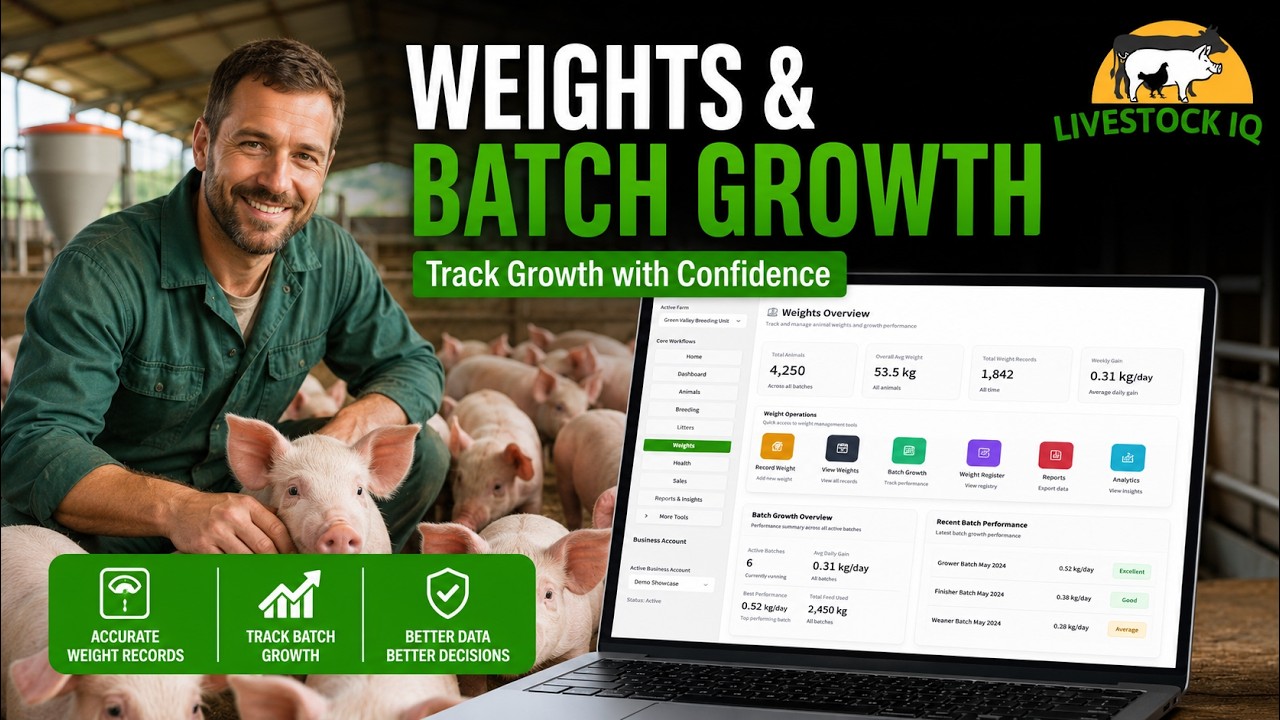
See the LivestockIQ batch growth demo. The image shows an illustrative product view.
Build the daily routine around real farm work
Once the batch is in the system, record the activity that happens as part of normal work. This may include:
- Batch weights and progress against a weight target
- Feed use
- Health events, treatments, and medication
- Daily observations, including pest concerns and biosecurity actions
- Pen changes, batch splits, and merges
When a batch is weighed, compare its average weight with the target. Over time, this helps the team see whether the group is following its expected weight trajectory or falling behind. Recording feed use alongside growth gives the farm data to review average daily gain (ADG) and feed conversion ratio (FCR).
Health and observation records should be just as practical. A treatment may apply to the whole batch, while a note can describe when it concerns only one pig or a smaller number of animals. Recording the detail close to when it happens helps keep the batch history useful to the people caring for it. See the LivestockIQ guide to weights, feed and health records for more on these workflows.
Use reminders and insights to guide the next action
Records are more useful when they help the team decide what to do next. Weight targets make progress easier to assess. Reminders bring upcoming tasks into view, while insights help managers notice where performance needs attention.
For example, a batch may reach a target for its next production stage, or a follow-up may be due after a health event. A clear alert can prompt the team to check the group, review its progress, or confirm the next action. A weight target does not replace the team’s judgement; it gives them information to use when deciding whether to move a batch on.
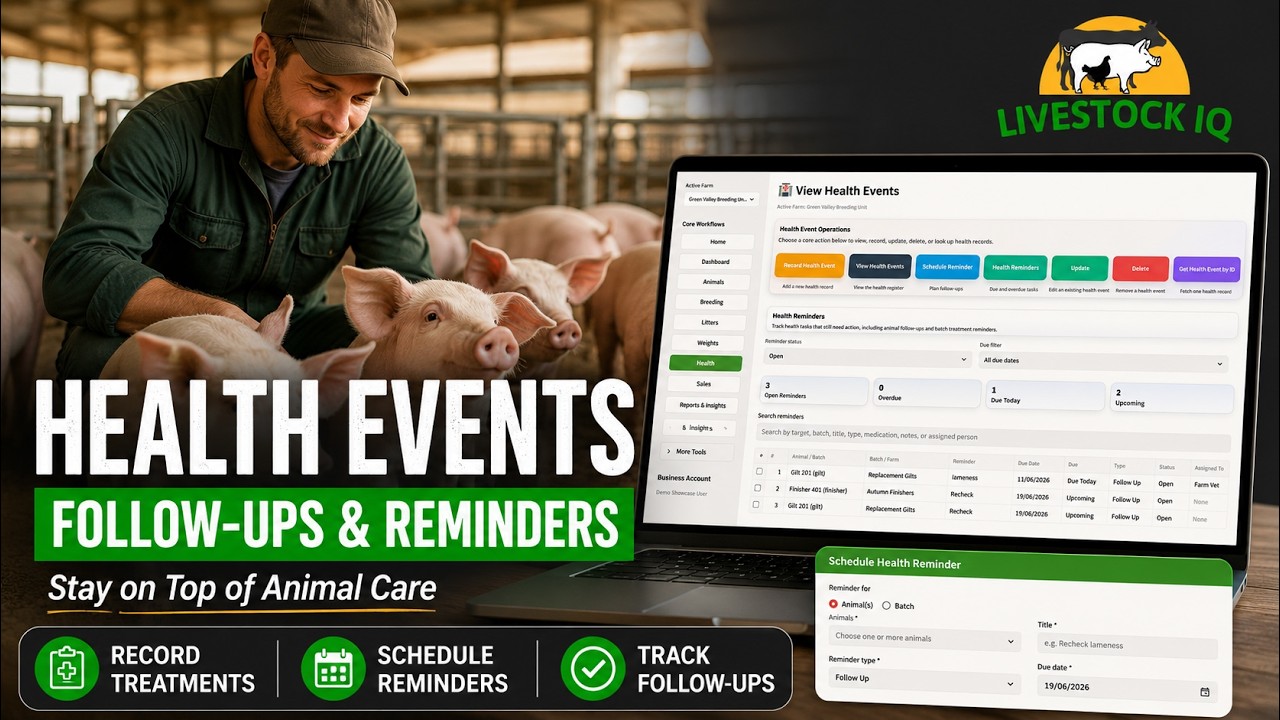
See the LivestockIQ health events and reminders demo. The image shows an illustrative product view.
Keep the batch history connected through each stage
As pigs move through production, keep the batch history connected. Record stage transitions, pen movements, and changes in the group. If a batch needs to be split or merged, record that change so the team can follow what happened and continue managing the animals accurately.
This creates a clearer picture from arrival through to sale: how many pigs were received, where they were kept, how they grew, what feed was used, which health events occurred, and how the group performed. The team can review that information together instead of trying to piece the story together from separate records.
Let the software reflect the farm’s workflow
Every farm has its own way of grouping pigs and organising daily work. A useful system should allow the farm to represent those differences without making routine record keeping harder. In my view, this is central to making software work for a team: the workflow should fit the farm, not force the farm into an unfamiliar process.
Staff are more likely to use a system when its records make sense to them and match what they see around the farm. The goal is to make the existing workflow easier to follow and the information easier to use.
Start with what the team already understands
When introducing pig management software, begin with the batches the farm is currently receiving and managing. Set up the right pens or locations, choose a clear way to group the pigs, and record the batch as it would be handled in real life. Then add the daily records that matter most to the team, such as weights, feed, health events, and observations.
Start with what you understand and build from there. Once the team is comfortable with the batch workflow, reminders and performance insights can help turn consistent records into better day-to-day decisions.
If you’re still comparing systems, read how to choose pig management software for your farm. You can also explore LivestockIQ with your own farm workflow.
Start writing here...